Interview copilot for Windows and the browser
They ask. Your answer appears.
It writes your answer from your resume.
Windows may warn on first run: select More info, then Run anyway.
Free to start: 10 sessions of up to 10 minutes, no card. For interviews where AI help is allowed.

Will it sound like me?
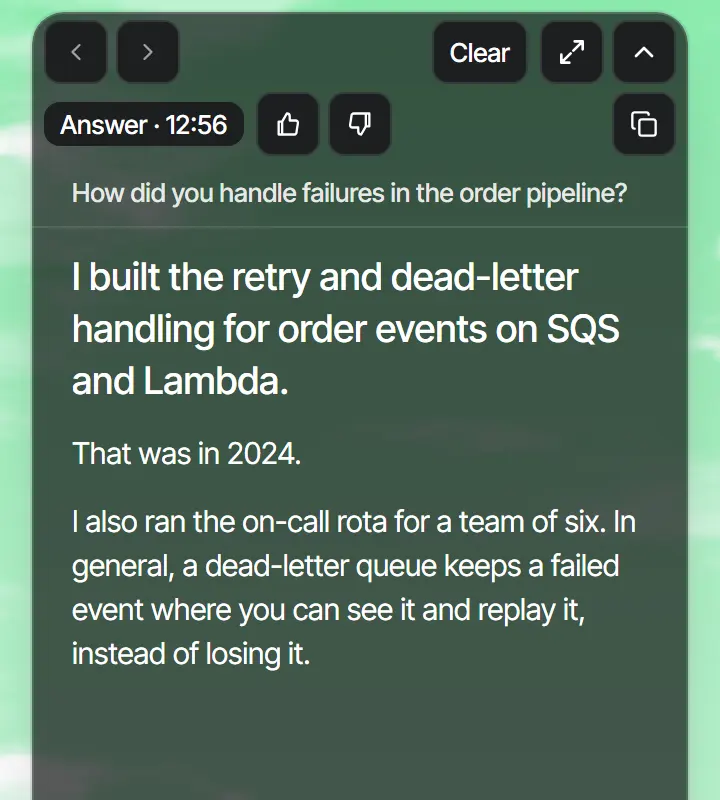
Every question gets a full answer, written from your resume and the facts you confirm. Check what it says about you before you say it.
Will it keep up?
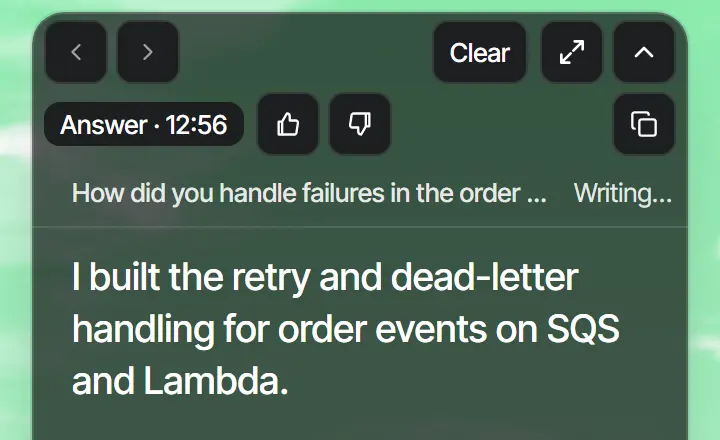
It answers by itself when the question ends. No key to press.
From download to your first answer
Sign in
With Google or an email code.
Add your resume
Answers are written from it and the facts you confirm.
Press Start
Open your call first. Answers appear when a question ends.
Will the interviewer see it?
RoundReply always asks Windows to leave all of its windows out of screen sharing and screen recording, before each window is shown. What it covers

Questions
Where may I use it?
Use it where AI assistance and transcription are allowed. Whether an interview allows an assistant is the interview’s rule, not RoundReply’s.
Can an answer be wrong?
Yes. It is written by an AI model. It writes a full answer to every question, and an answer can say things about you that aren’t in your resume, the documents you chose or your confirmed facts. A general or technical explanation can be mistaken too. Read a suggestion, and check that what it says about you is true, before you rely on it.
Which call apps does it work with?
It listens to the sound your computer plays, so it is not tied to one call application: Google Meet, Zoom, Microsoft Teams, Webex or a call in any other app are all heard the same way.